
CSS @starting-style: From First Render to Production
 (opens full-size image in a new tab)
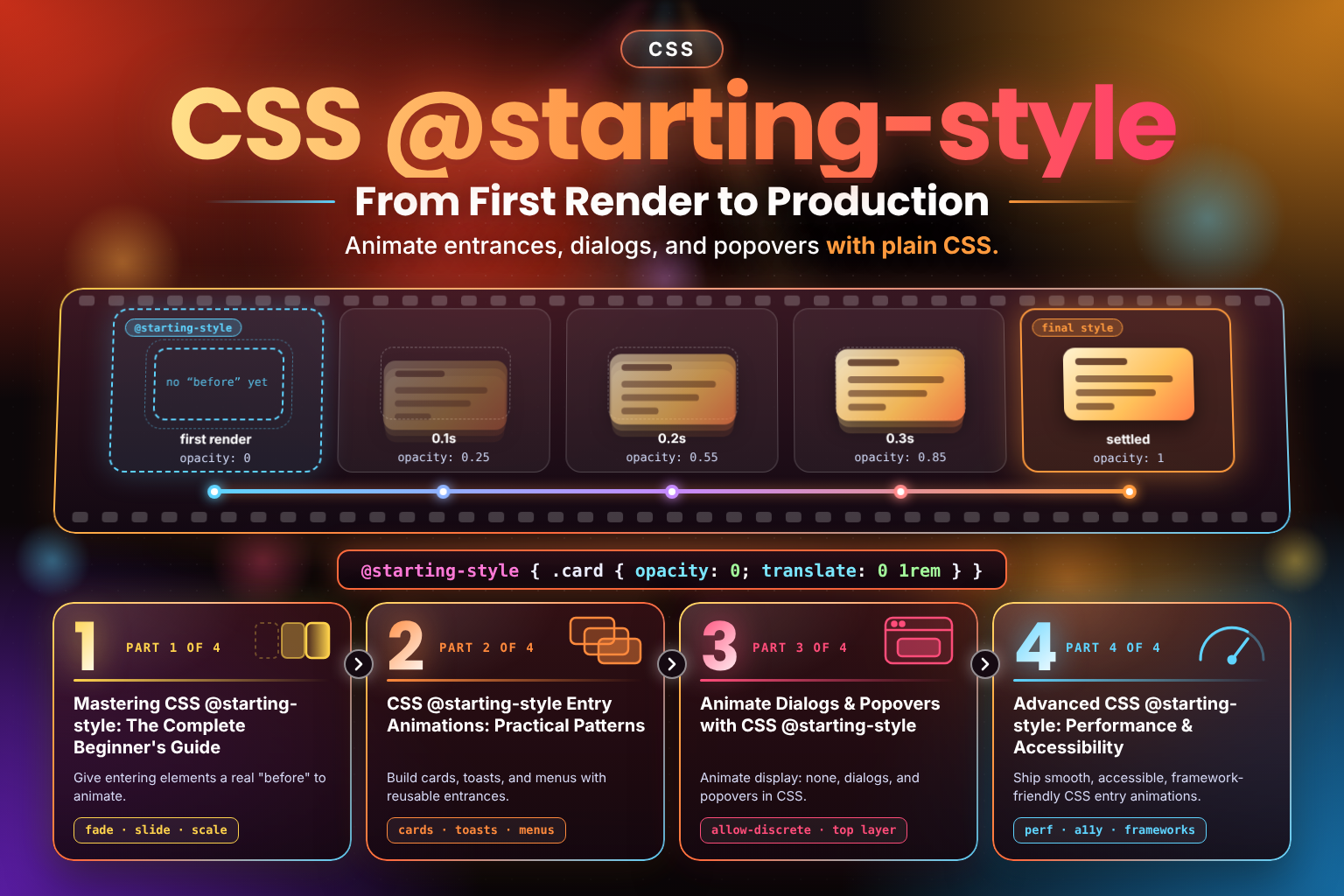
🎬 CSS @starting-style fills in the one piece CSS transitions never had: a real "before" state for an element's very first render.
Without it, an element that's just been inserted into the DOM — or that's just gone from display: none to visible — has its before-style and after-style computed in the very same frame, so there's nothing to transition from and the element just pops into view. This 4-part series covers the fix, start to finish, with no JavaScript reflow tricks required:
- Part 1: Mastering CSS @starting-style: The Complete Beginner's Guide — Why transitions skip an element's first render, when
@starting-styledoes and doesn't apply, the syntax, the cascade, and fade, slide, and scale-in examples. - Part 2: CSS @starting-style Entry Animations: Practical Patterns — Reusable patterns for cards, toasts, sidebars, dropdowns, tooltips, accordions, chat messages, and framework-rendered lists, with a live playground.
- Part 3: Animate Dialogs & Popovers with CSS @starting-style — Pairing
transition-behavior: allow-discretewith@starting-styleto finally animatedisplay: noneitself, plus native<dialog>, the Popover API, and the top layer. - Part 4: Advanced CSS @starting-style: Performance & Accessibility — Rendering-pipeline performance,
prefers-reduced-motion, framework integration, and how it compares with@keyframes, the Web Animations API, and View Transitions.
By the end of the series, you'll be able to reach for a plain transition on almost any entrance — no @keyframes boilerplate, no mount-then-reflow-then-toggle dance — and know exactly when it's the wrong tool for the job.
Posts
Mastering CSS
@starting-style: The Complete Beginner's GuideGive entering elements a real "before" to animate.Why CSS transitions skip an element's first render, and how the @starting-style at-rule fixes it — syntax, the cascade, and fade, slide, and scale-in examples.CSS
@starting-styleEntry Animations: Practical PatternsBuild cards, toasts, and menus with reusable entrances.Reusable @starting-style entry animation patterns: cards, toasts, sidebars, dropdowns, accordions, chat messages, and framework-rendered lists.Animate Dialogs & Popovers with CSS
@starting-styleAnimate display: none, dialogs, and popovers in CSS.Animate display: none in CSS with allow-discrete and @starting-style — native <dialog> and Popover API examples, plus the top layer explained.Advanced CSS
@starting-style: Performance & AccessibilityShip smooth, accessible, framework-friendly CSS entry animations.Keep @starting-style fast and accessible: rendering performance, prefers-reduced-motion, framework use, and comparisons with @keyframes and View Transitions.
Four posts, eight custom diagrams, three interactive demos, and a lot of real-browser testing went into this one missing piece. It runs from the single-frame collapse that started it all, through a full pattern library, to display: none itself joining the transition, and everything it takes to ship it with confidence. Thanks for working through the whole series with me. Go give your next entrance a real "before." ✨
Changelog
- — Initial publication